
Watchlist & quotes
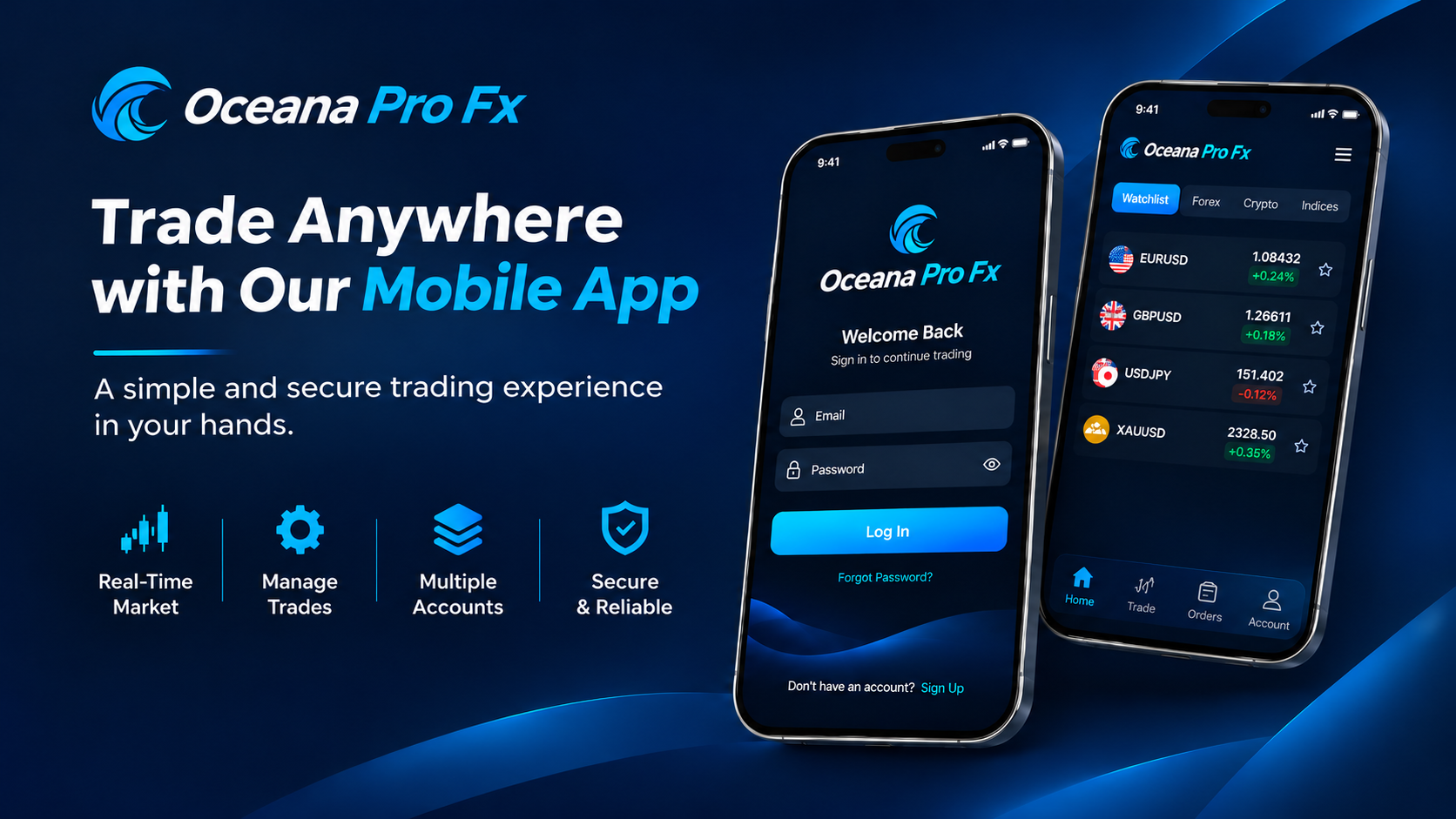
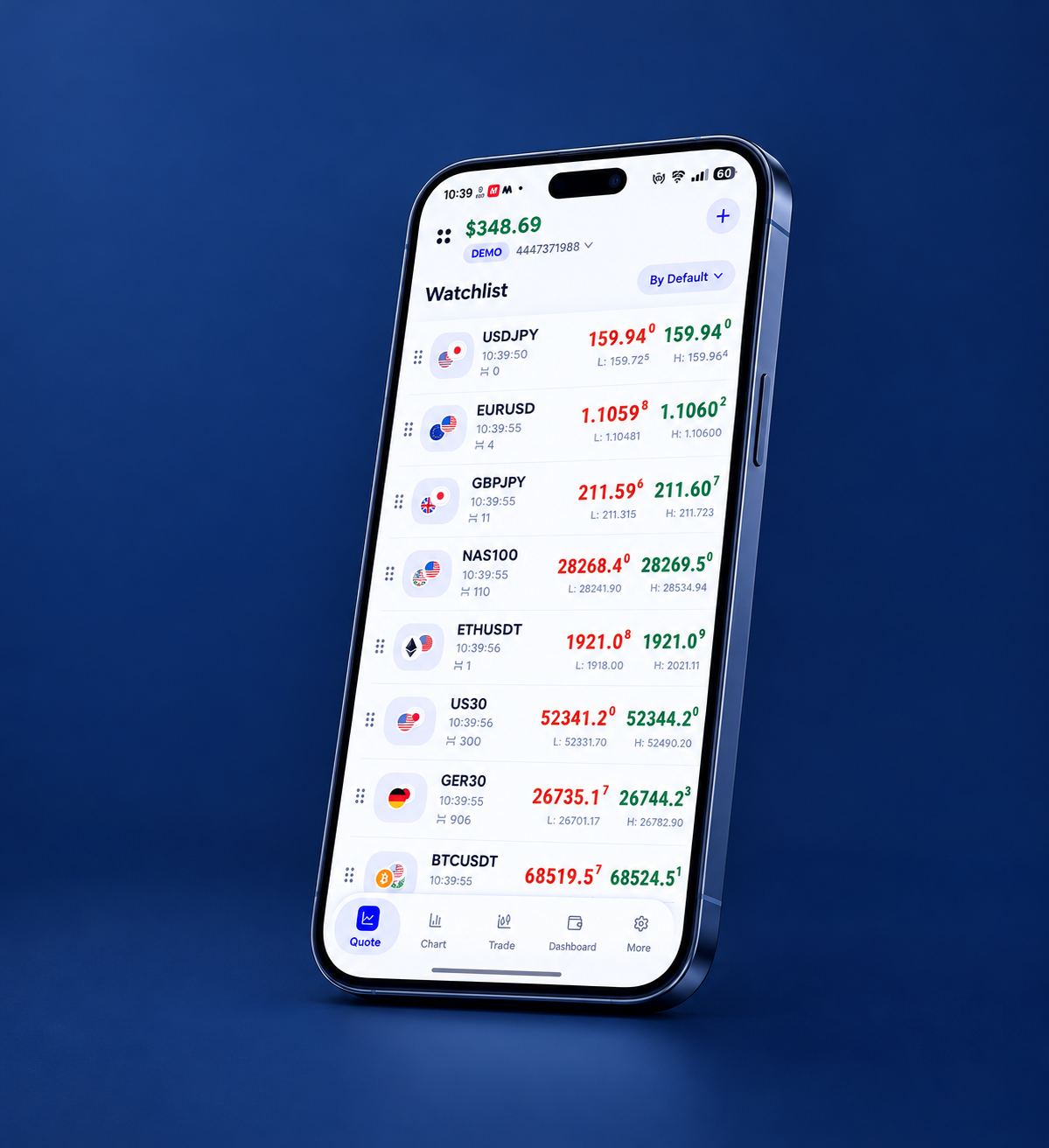
Track majors, crosses, indices, and crypto with live bid/ask on a clean mobile watchlist.
Mobile app
The Oceana Android app keeps quotes, charts, positions, and account tools with you - so exposure stays visible when you leave the desk.
On mobile
React to moves, check exposure, and manage the same live account you trade on web.
Track majors, crosses, indices, and crypto with live bid/ask on a clean mobile watchlist.
Move from quote to chart to ticket without losing context when the market moves.
Balances, positions, and funding stay synced with the web portal - one Oceana login.
Sign in through the same protected client stack you use on desktop.
Android
Install the Oceana app, sign in with your portal credentials, and keep trading tools available when you are on the move.
How to start
01
Register a demo or live profile in the Oceana client portal.
Sign up →02
Download the Android build and install with your device settings.
Download now →03
Sign in, open the watchlist, and manage the same account as on web.
Go to login →Create an account, install the Android app, and keep the same trading book in your pocket.